Back Pocket Prompt #5 · Accommodations
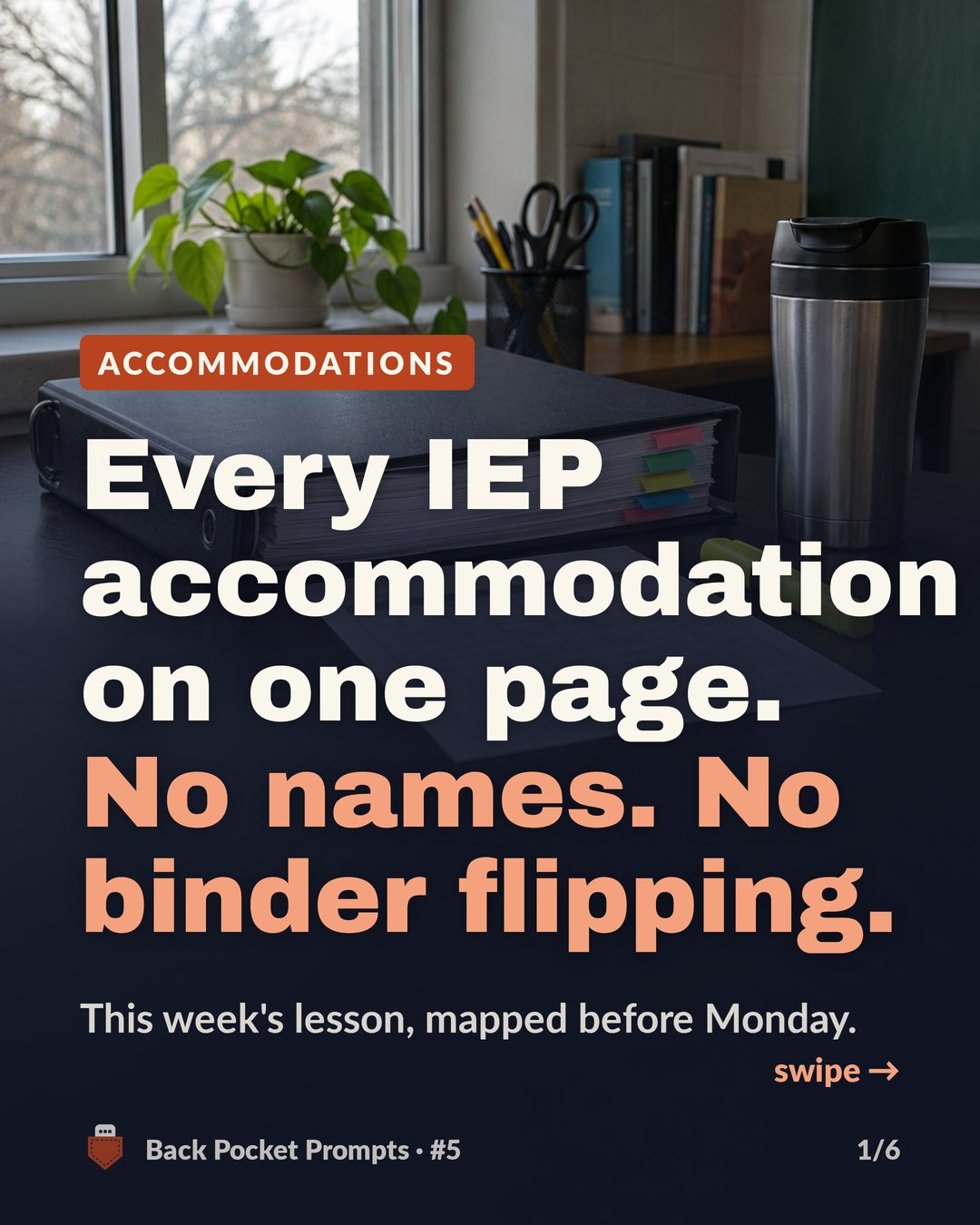
Every IEP accommodation on one page. No names. No binder flipping.
Map the accommodation types in your class onto one lesson so nothing gets missed mid-period.
Coming soonComing soon on Instagram.
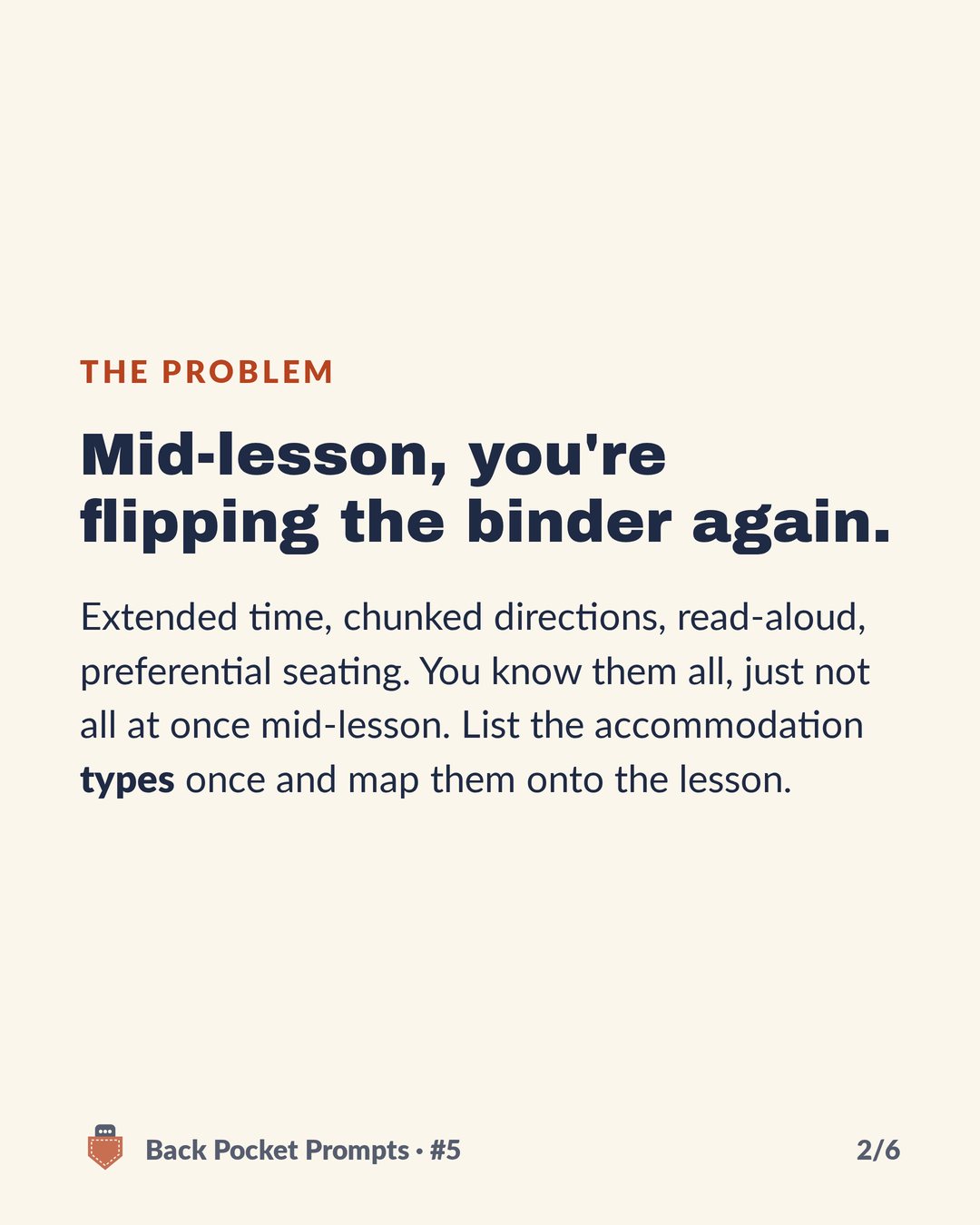
The problem: Mid-lesson, you're flipping the binder again.
Extended time, chunked directions, read-aloud, preferential seating. You know them all, just not all at once mid-lesson. List the accommodation types once and map them onto the lesson.
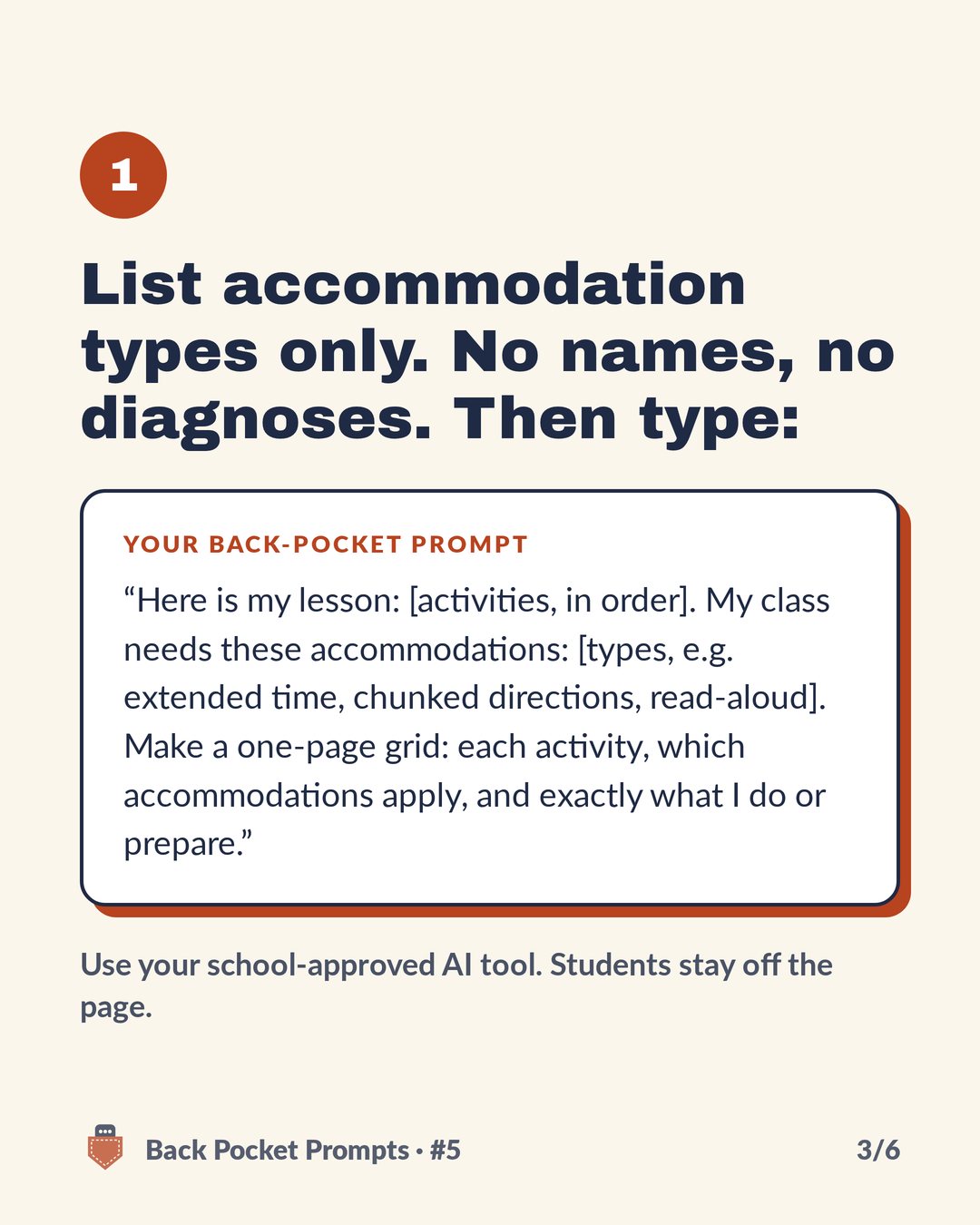
1. List accommodation types only. No names, no diagnoses. Then type:
Your back-pocket prompt
Here is my lesson: [activities, in order]. My class needs these accommodations: [types, e.g. extended time, chunked directions, read-aloud]. Make a one-page grid: each activity, which accommodations apply, and exactly what I do or prepare.
Use your school-approved AI tool. Students stay off the page.
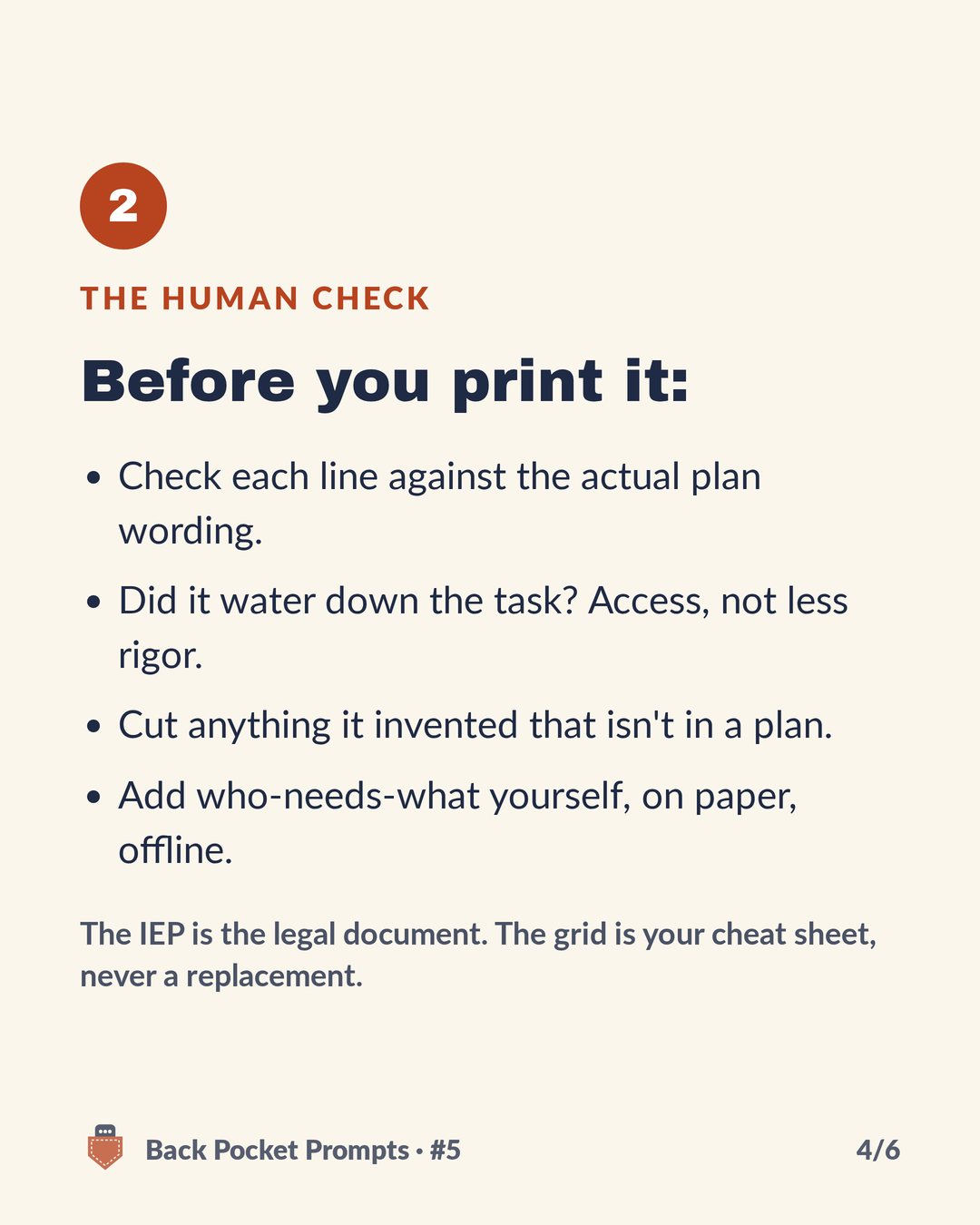
2. The human check: Before you print it:
- Check each line against the actual plan wording.
- Did it water down the task? Access, not less rigor.
- Cut anything it invented that isn't in a plan.
- Add who-needs-what yourself, on paper, offline.
The IEP is the legal document. The grid is your cheat sheet, never a replacement.
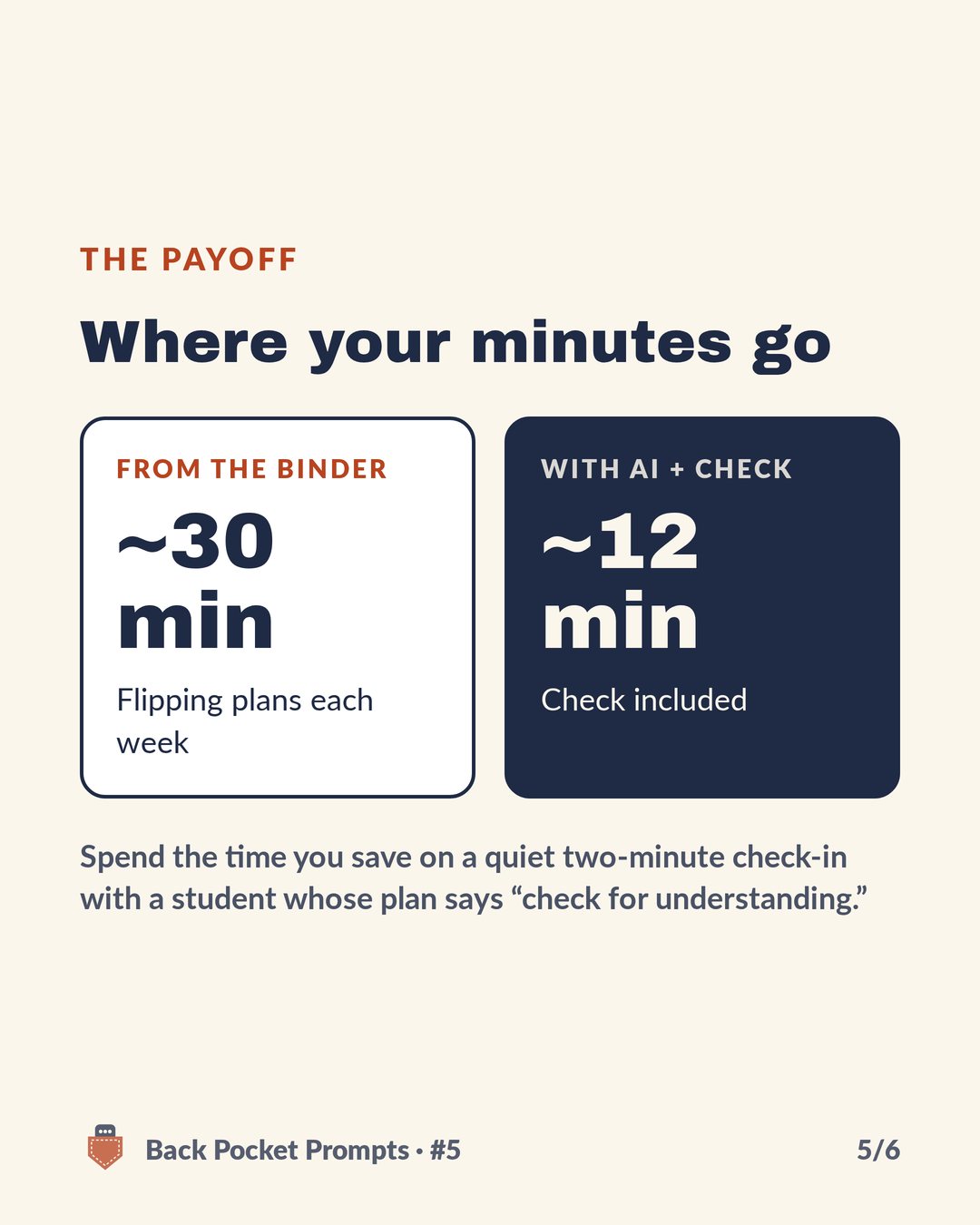
Where your minutes go
From the binder~30 minFlipping plans each week
With AI + check~12 minCheck included
Spend the time you save on a quiet two-minute check-in with a student whose plan says “check for understanding.”
Related prompts
Want all of them? Get the free guide, or comment POCKET on any of our posts.